Google Maps Business Profile: How Contractors Get More Calls from Local Search
When homeowners search “plumber near me” or “roof repair near me,” Google Maps often decides who gets the call. A strong Google Maps business profile makes it easy for Google to trust your business and easy for homeowners to choose you. This guide covers the key areas that matter most to local visibility, clicks, and booked jobs.
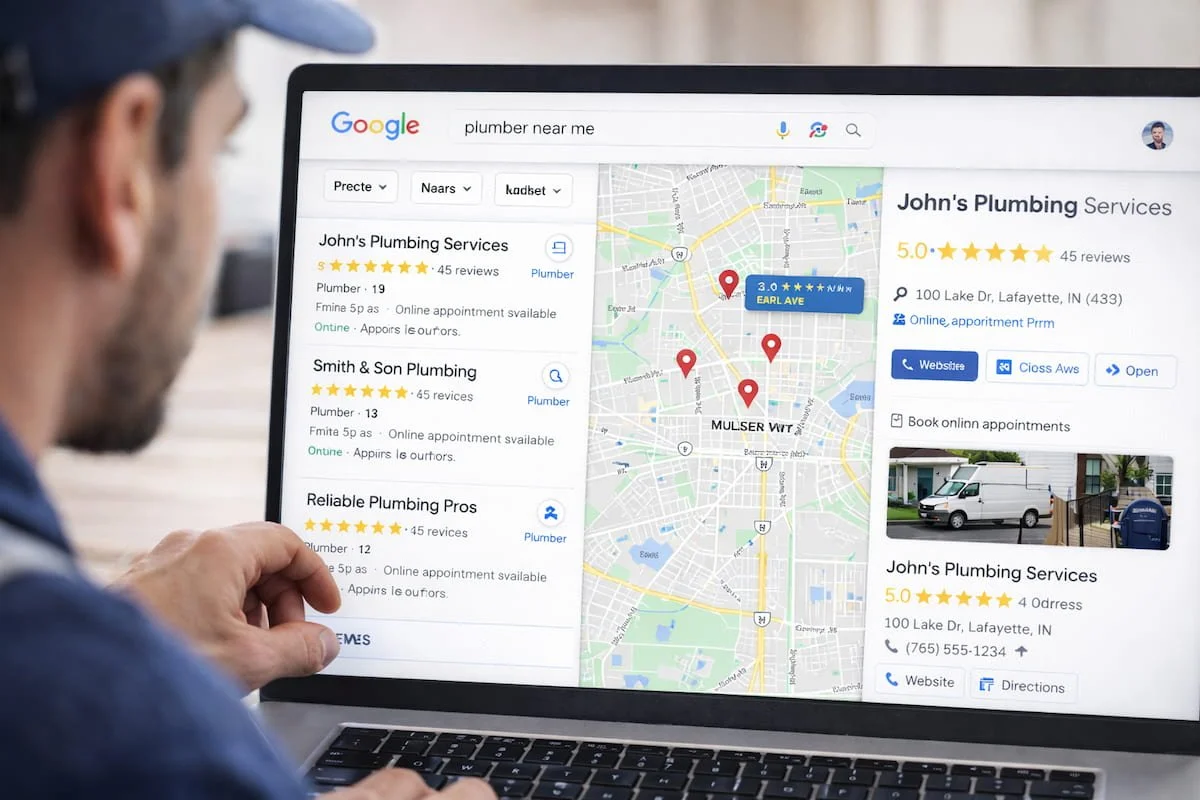
Start with the Core Setup That Google Uses to Rank You
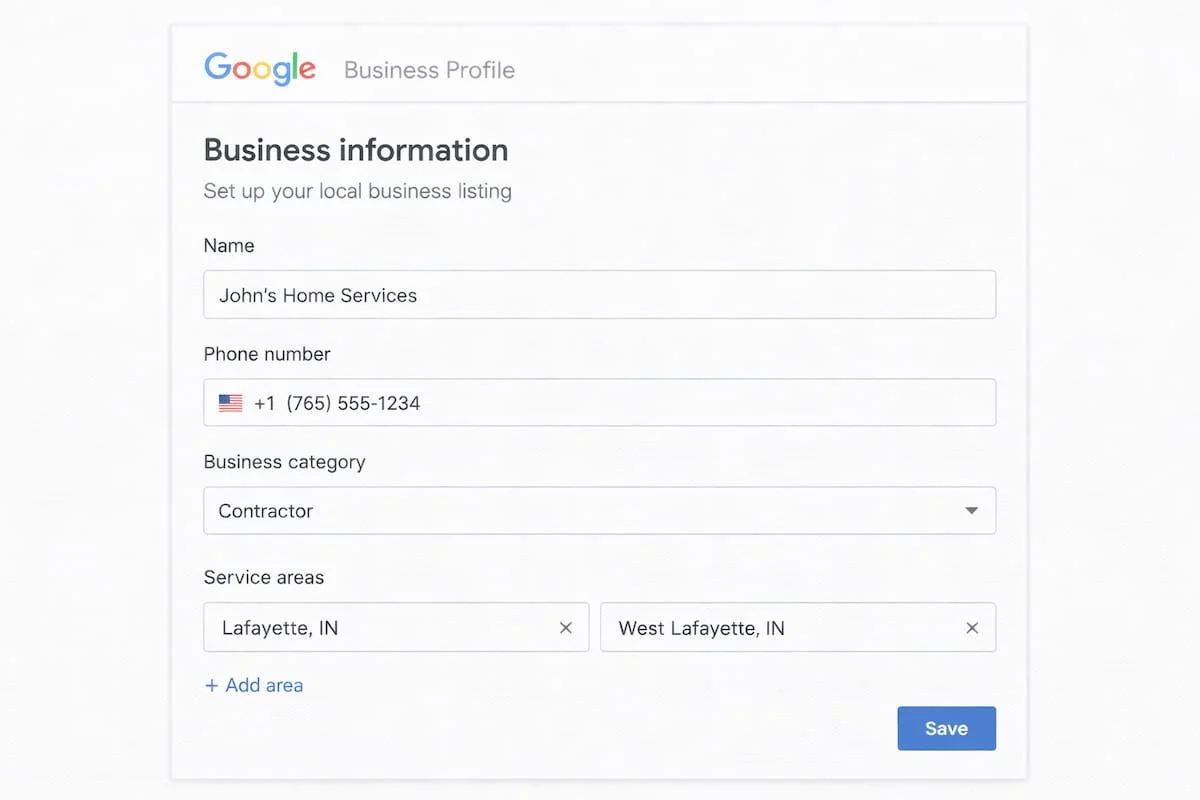
A Google Maps listing performs best when the basics are complete and consistent. That means the right business category, accurate contact info, clear service areas, and a profile that matches your website. If your details are inconsistent, Google gets mixed signals and homeowners lose trust fast.
Contractors often lose calls because of simple profile errors. Fix those first using this guide: Google Business Profile optimization mistakes
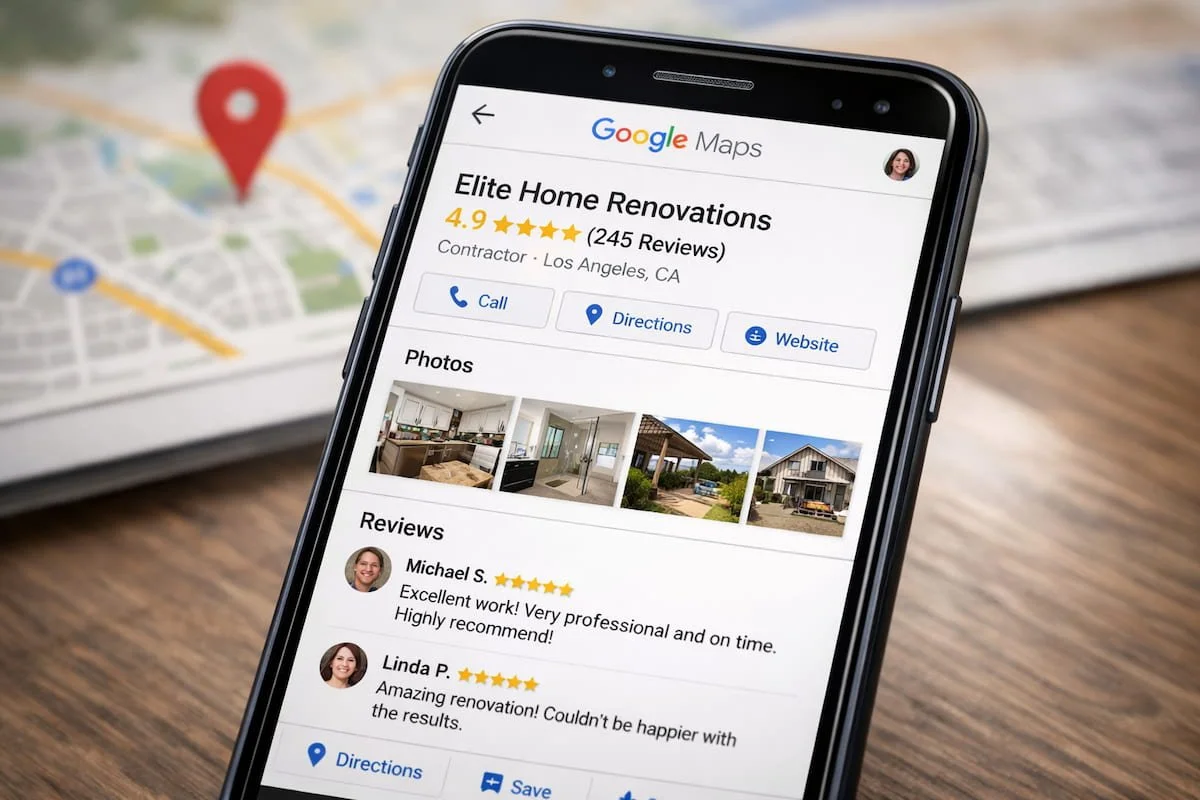
Photos and Reviews Are the Fastest Trust Builders
On Google Maps, homeowners compare contractors in seconds. Fresh project photos and steady reviews are two of the strongest credibility signals. Add real job photos weekly (before/after, in-progress, finished results) and request reviews right after job completion. A profile that looks active usually converts better than one that looks stale.
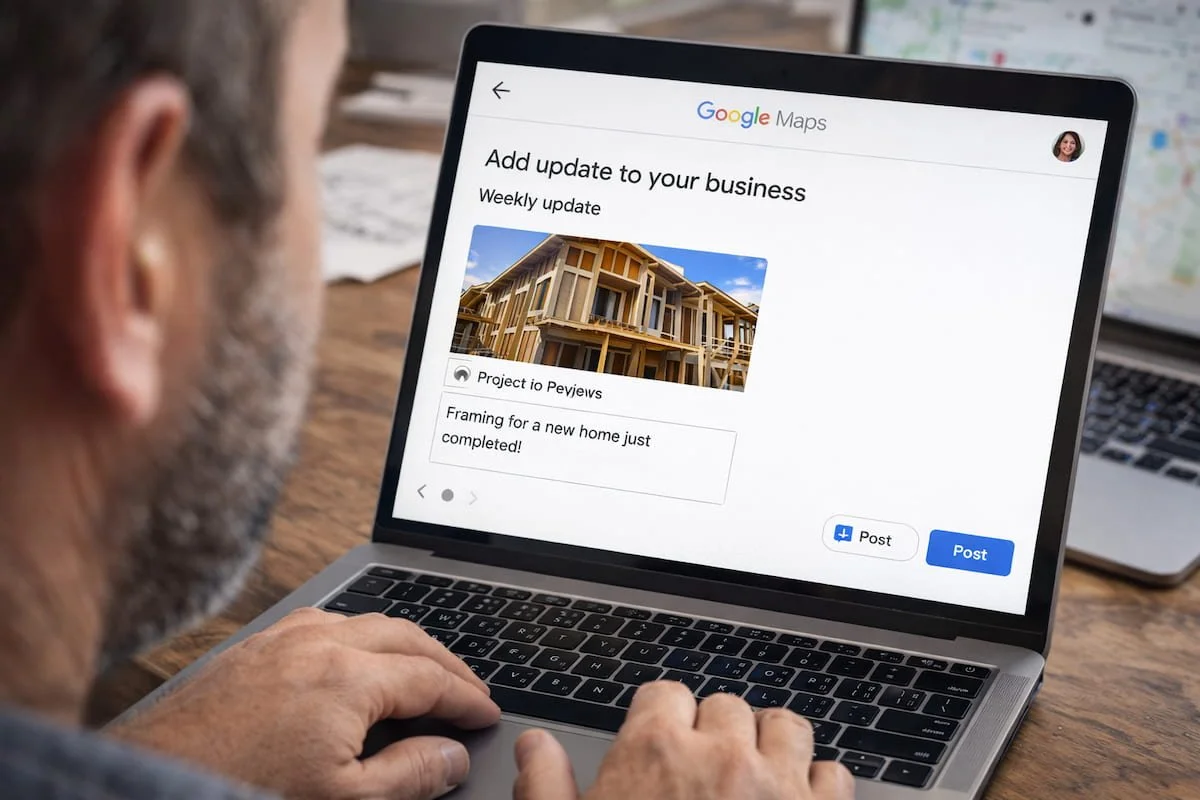
Use Simple Updates to Stay Active and Relevant
Posting updates helps your listing look alive and can reinforce what services you provide. A simple weekly routine works: one project highlight, one seasonal tip, or one short FAQ-style post. Keep it clear, helpful, and contractor-specific. Think homeowner language: “clogged drain,” “AC not cooling,” “roof leak after storm.”
Track What’s Driving Calls So You Can Improve It
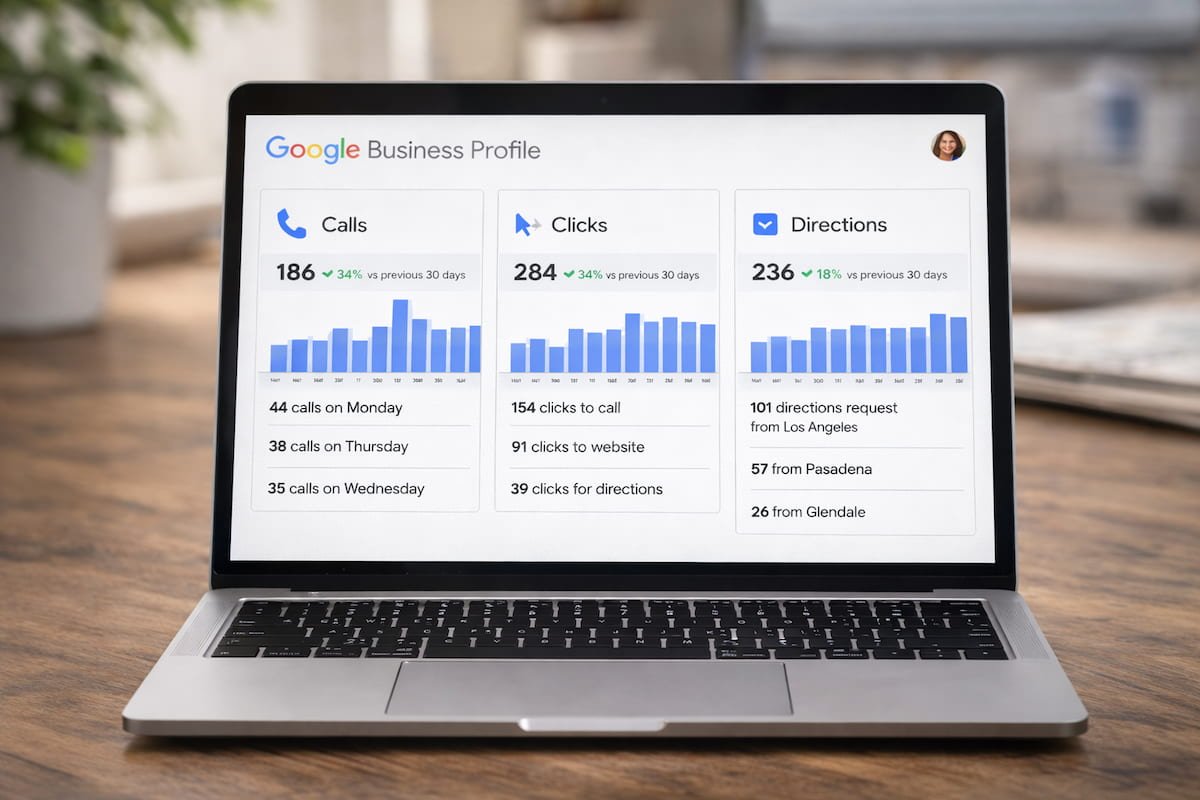
If you want consistent growth, you need basic tracking. Add a UTM-tagged website link to your profile so GA4 can attribute visits correctly. Then check GBP Insights monthly to see what searches, photos, and actions are generating calls, direction requests, and website clicks. Small improvements compound when you measure them.
Quick Checklist for Contractors (Google Maps Focus)
Check your top 3 “near me” searches and confirm you’re showing up in Maps
Add 2–3 new jobsite photos this week (before/after or in-progress)
Publish 1 weekly update (project highlight or seasonal tip)
Reply to any new reviews within 24–48 hours
Review Insights for calls, clicks, and directions
Fix any profile setup issues using this guide: Google Business Profile optimization mistakes
-
A Google Maps business profile is your contractor listing that appears in local map results. It shows your services, reviews, photos, hours, and contact info. A complete, active profile helps homeowners trust you quickly and helps Google understand when to rank you for local searches.
-
Contractors rank higher by improving relevance, trust, and activity: correct categories, complete services, consistent details, steady reviews, and fresh photos. Strong engagement signals calls, clicks, direction requests also help when your profile matches what homeowners search.
-
Many contractors see early improvements within a few weeks after fixing profile setup, adding photos, and earning new reviews. Stronger gains typically build over 30–90 days as your profile activity and trust signals become consistent.