Google Business Profile Mistakes That Quietly Cost Contractors Jobs Every Month

When homeowners search “roofer near me” or “AC repair,” Google often shows the Map Pack first. If a Google Business Profile is incomplete or misconfigured, contractors lose visibility and calls without realizing why. These fixes are simple, but they directly impact trust, clicks, and lead flow especially for home service businesses competing locally.
To see how GBP fits into the bigger ranking picture, read this: Local SEO for Contractors
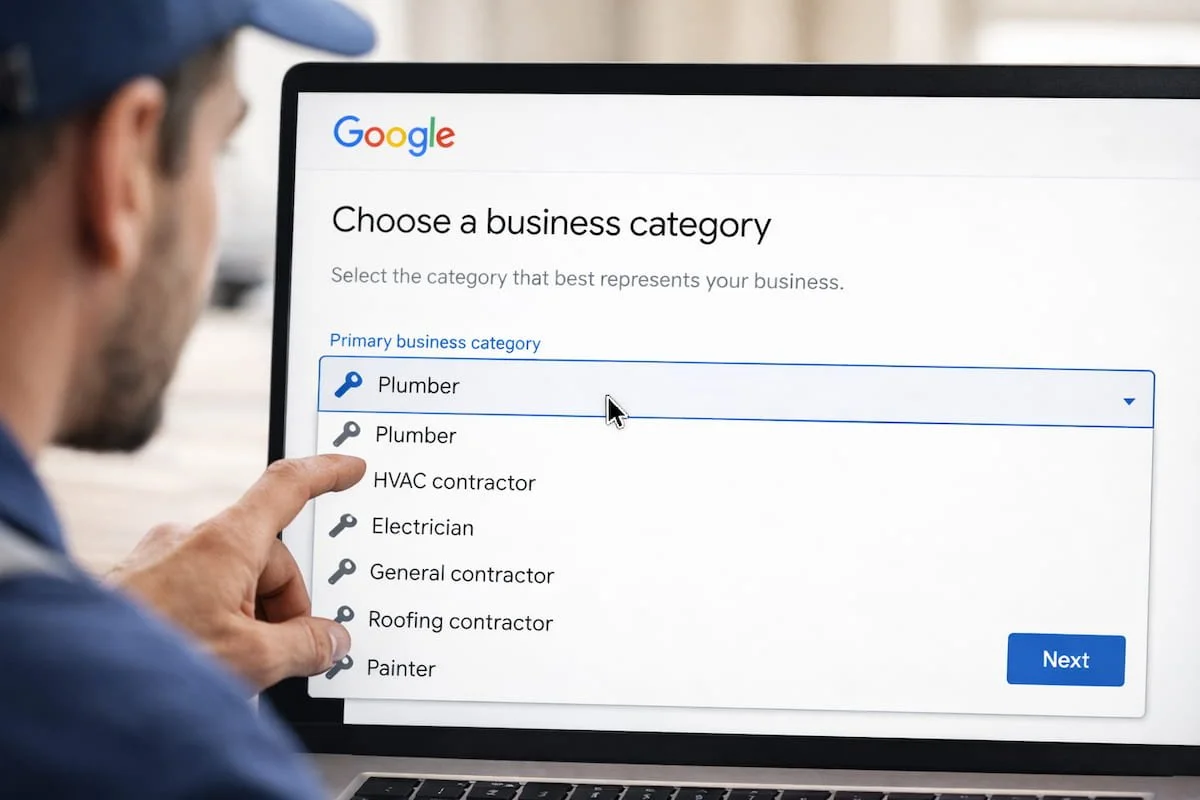
Mistake 1: Wrong Primary Category
Your primary category tells Google what you do. If it’s too broad or inaccurate, you won’t show up for the services that drive revenue. Contractors should set the primary category to the main service (roofer, plumber, HVAC contractor), then add only relevant secondary categories. This one change can improve relevance and local visibility quickly.
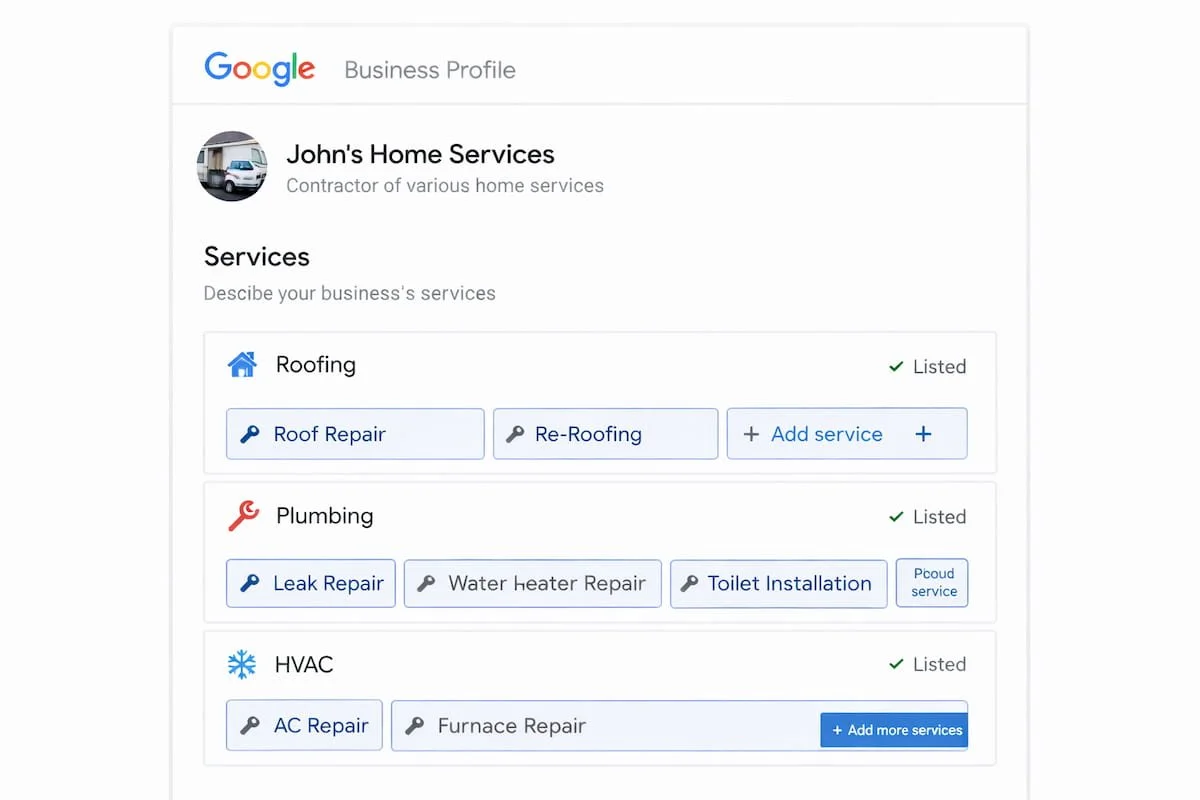
Mistake 2: Missing Services and Service Areas
If services aren’t listed, Google and homeowners don’t understand what you offer. Add every real service you sell (repair, install, emergency, inspections) using plain homeowner language. Then set service areas to where you actually work consistently. Overly wide service areas can weaken local competitiveness and reduce conversions.
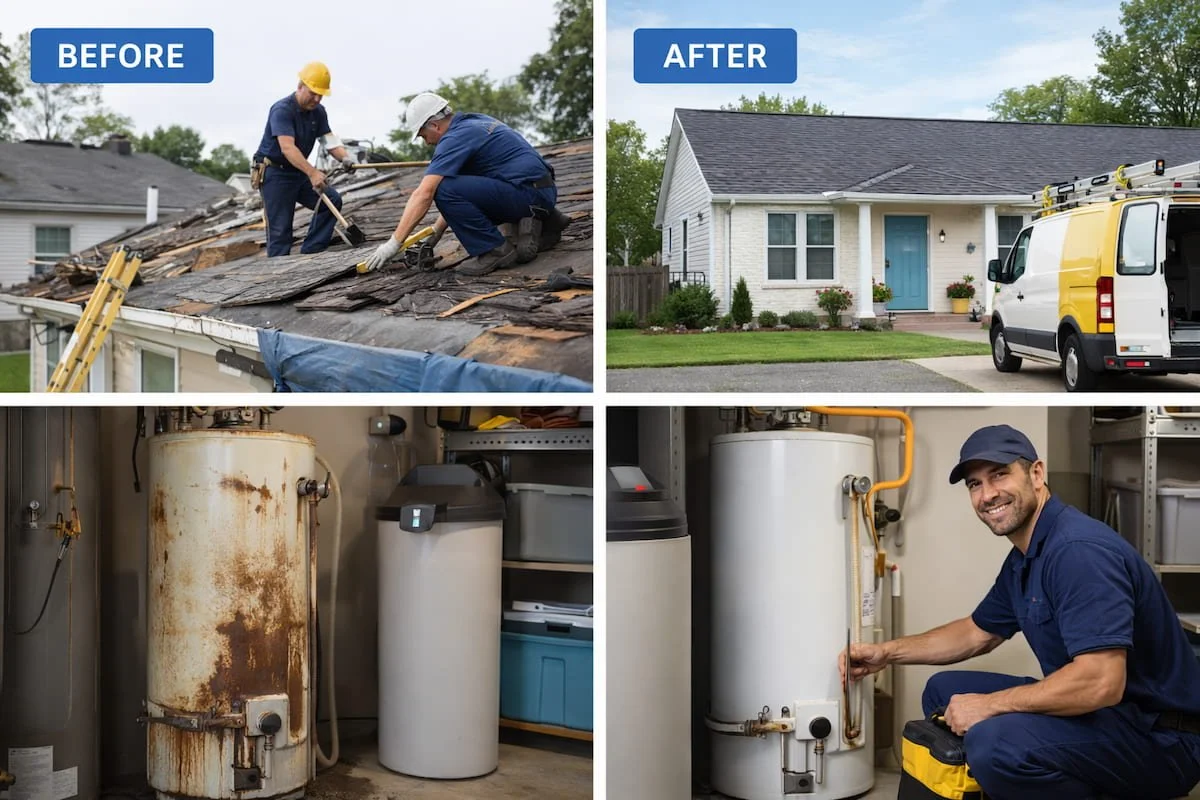
Mistake 3: No Recent Photos
For contractors, photos are proof. A profile with old or no photos looks inactive and less trustworthy. Add real project photos weekly before/after, in-progress, team, trucks, finished results. Use clear, descriptive filenames and alt text. Consistent photo updates help homeowners trust you faster and improve engagement signals.
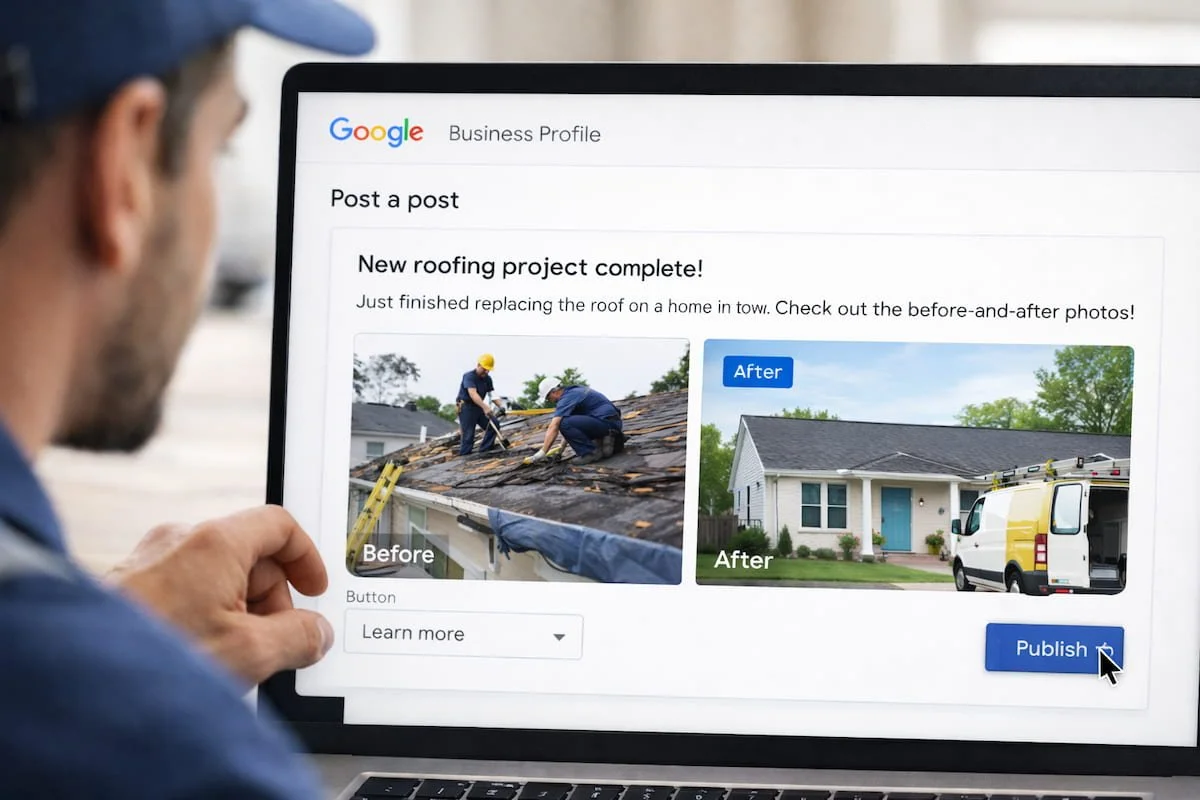
Mistake 4: Never Posting Updates
Google Posts keep your profile active and give homeowners a reason to click. Post once per week: a recent project, seasonal tip, short offer, or FAQ-style update. Keep it simple one photo, two to three sentences, and one CTA. Consistency matters more than volume, and it reinforces what you do.
Mistake 5: Weak Review Strategy
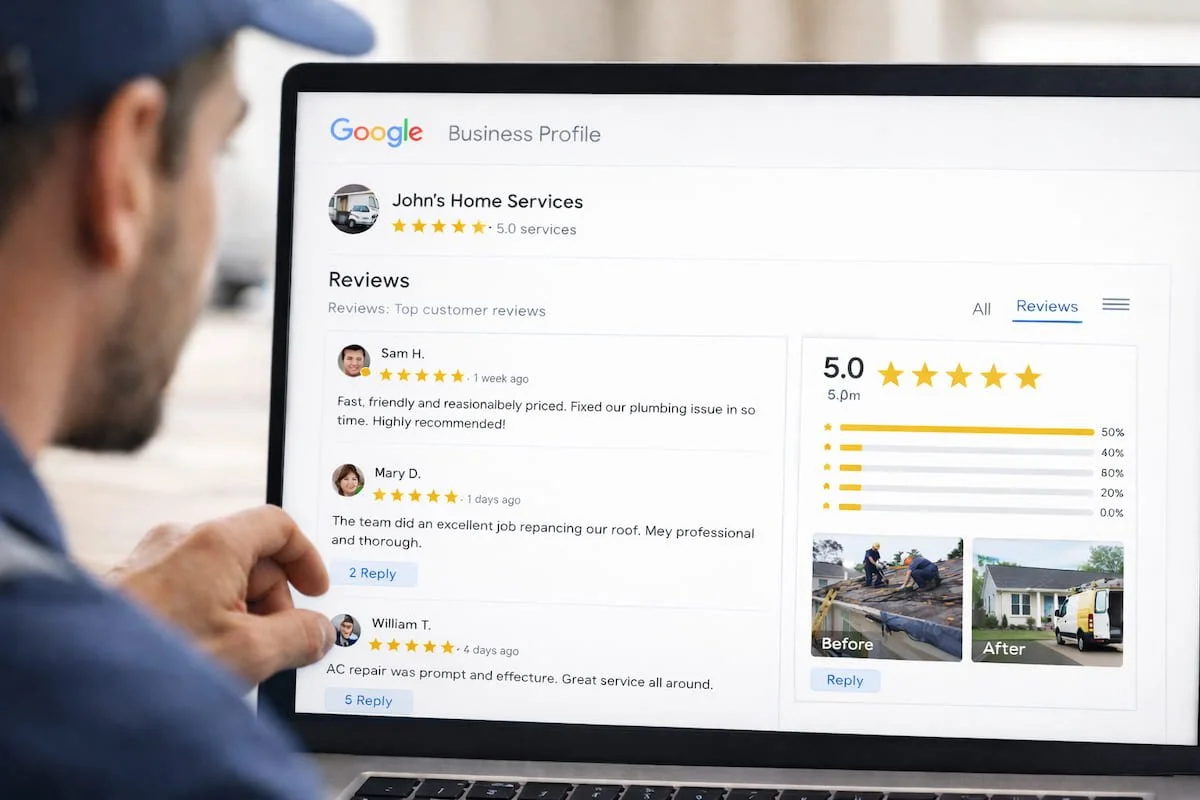
Reviews influence trust and decision-making. Contractors should request reviews within 24–48 hours after a job, reply to every review, and aim for steady monthly growth. The best reviews mention the service and location naturally (for example, “roof repair in [city]”), which supports local relevance and conversions.
Mistake 6: Not Tracking Calls and Clicks
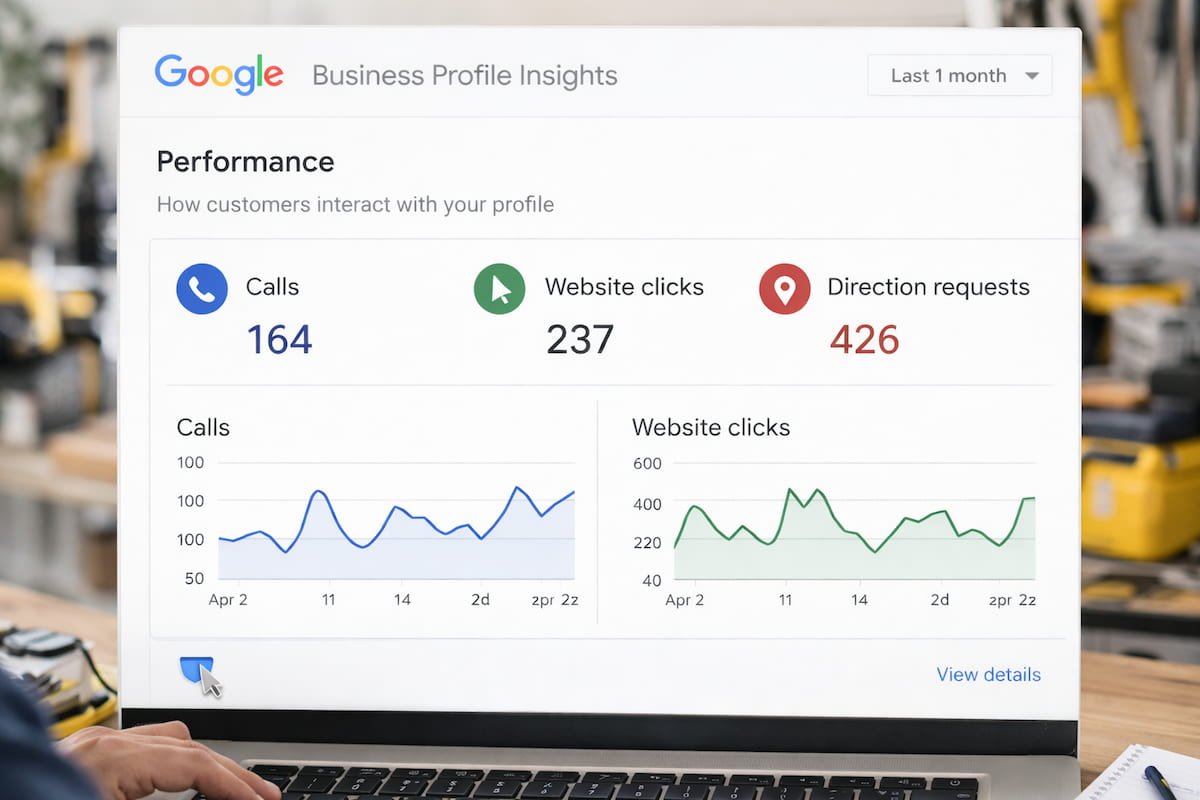
If you don’t track GBP traffic, you can’t improve it. Add a UTM-tagged website link so GA4 attributes visits correctly, and review GBP Insights monthly to see what’s driving calls. Even basic tracking helps you identify what services, photos, and posts are producing real leads.
Quick Contractor Fix List (Do This This Week)
Correct the primary category
Add full services list + accurate service areas
Upload 10–20 project photos
Post 1 update this week
Request 10 reviews and reply to the latest ones
Add UTMs and check Insights
-
Google Business Profile optimization means setting up and updating your listing so you show up for local searches and convert views into calls. For contractors, the biggest wins come from correct categories, detailed services, fresh project photos, steady reviews, and simple tracking.
-
Most contractor listings lose calls because they look incomplete or inactive wrong category, missing services, outdated photos, weak reviews, or no weekly updates. Fixing those basics improves both visibility and trust, which increases clicks and phone calls.
-
A practical schedule is weekly: add a few photos, publish one post, and request reviews from recent customers. Monthly, review Insights and adjust your services, photos, and posts based on what’s driving calls.